
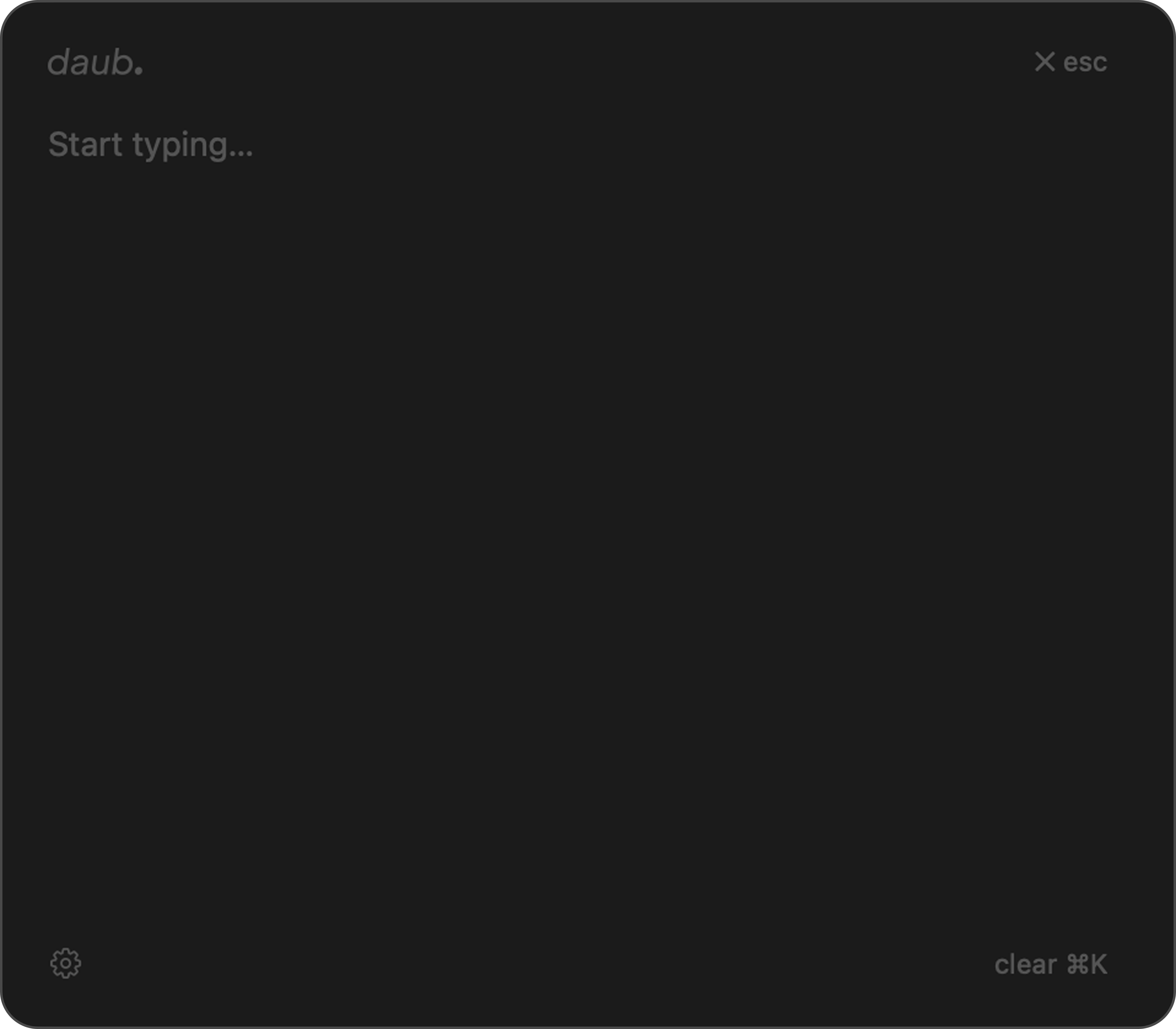
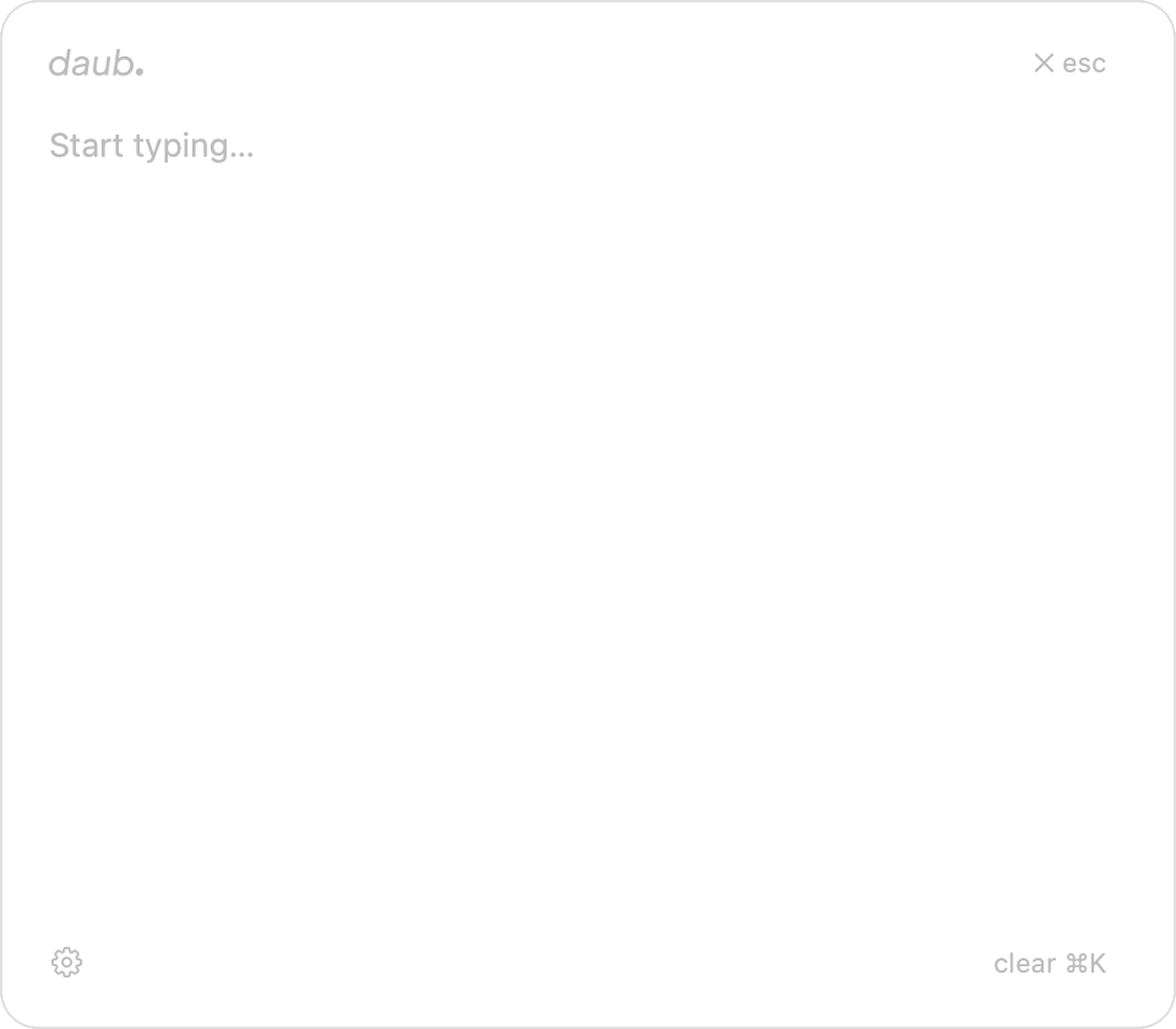
The quick note taker macOS is missing.
Every note app eventually becomes a filing system. You end up spending more time organising than thinking.
daub is different. It's ephemeral by design — a floating surface for thoughts, bugs, and ideas that appear while you're deep in work. No folders, no accounts, no residue.
Hit ⌥ Space from anywhere. Write. Hit esc. That's it.
Built to disappear when you're done.
- 01
Global hotkey
One keystroke from any app. No dock, no cmd-tab, no context switch.
- 02
Always on top
daub floats above every window. See your project and take notes at the same time.
- 03
Meeting notes / debugging
Capture meeting notes and bugs while you work in real time.
- 04
Clear with ⌘K
Empty canvas, fresh start. One shortcut and it's gone.
- 05
Local, no trace
Nothing leaves your machine. No accounts, no sync, no cloud.
Open, capture, get back.
- ⌥ Space
Summon
daub appears instantly, centered on screen, ready to type.
- Type
Capture
No formatting decisions. Just your thought, raw.
- esc
Dismiss
daub vanishes. You're back exactly where you left off.