
daub
Everything you capture.
Nothing that leaves.
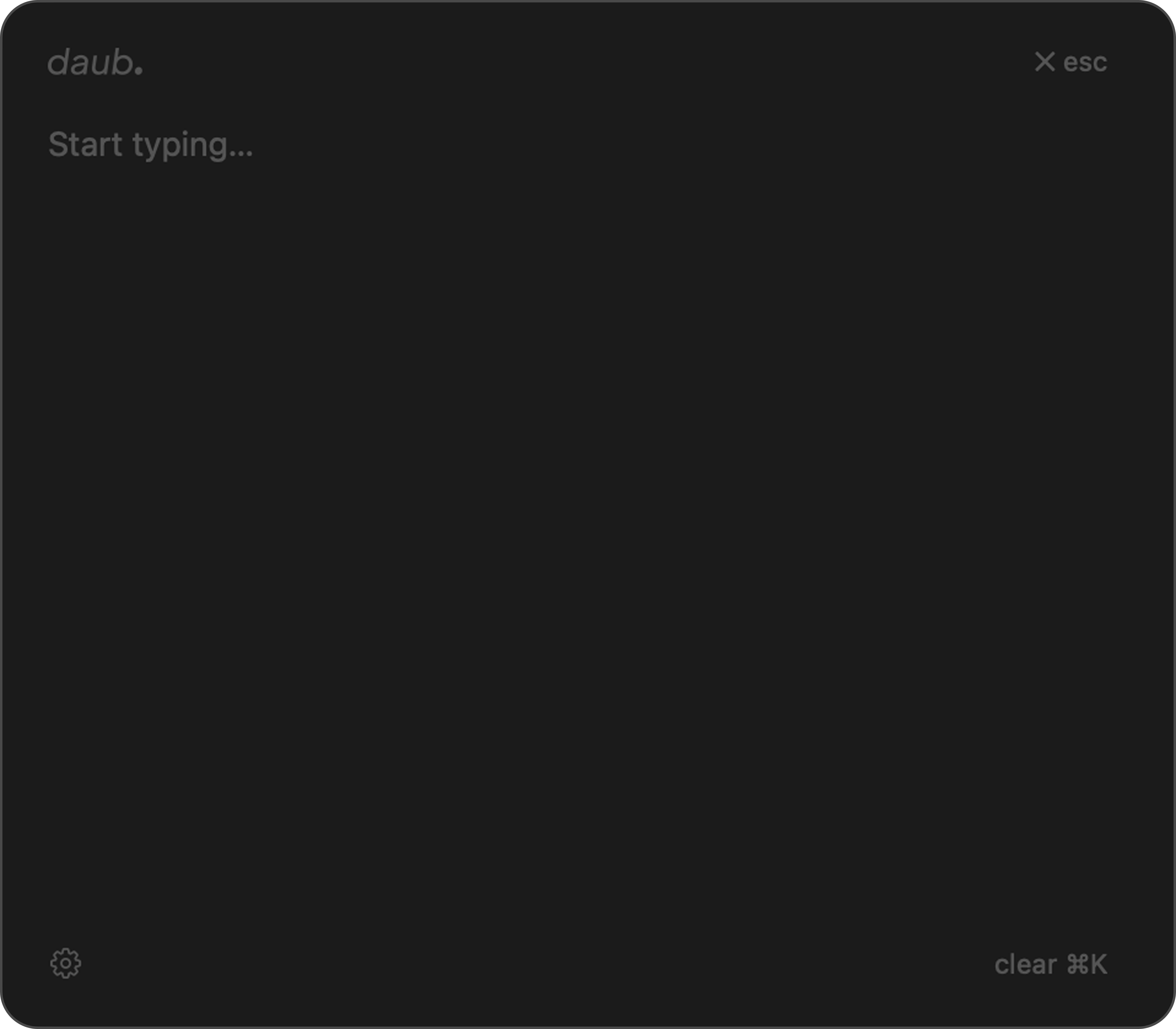
A menu-bar companion for macOS — ephemeral notes, an encrypted vault, clipboard and screenshot history, and one-key capture to your own files. Summoned with ⌥ Space. All of it local.
Download for macOS
Private by default, not by accident.
Every note app eventually becomes a filing system — folders, accounts, a sync icon spinning in the corner. You spend more time organising than thinking.
daub goes the other way. Summon it with ⌥ Space, write, dismiss. The notes are ephemeral. And the things you collect all day — a key someone pasted you, a screenshot, whatever's on your clipboard — stay encrypted and local instead of scattered across other people's clouds.
Hit ⌥ Space from anywhere. Everything you capture stays on your Mac.
Everything you capture, in one place.
A scratchpad that vanishes
Hit ⌥ Space from any app and daub floats above everything, ready to type. ⌘K wipes it clean. Nothing is written to disk unless you capture it — thoughts in, thoughts out.
Ephemeral · Always on top
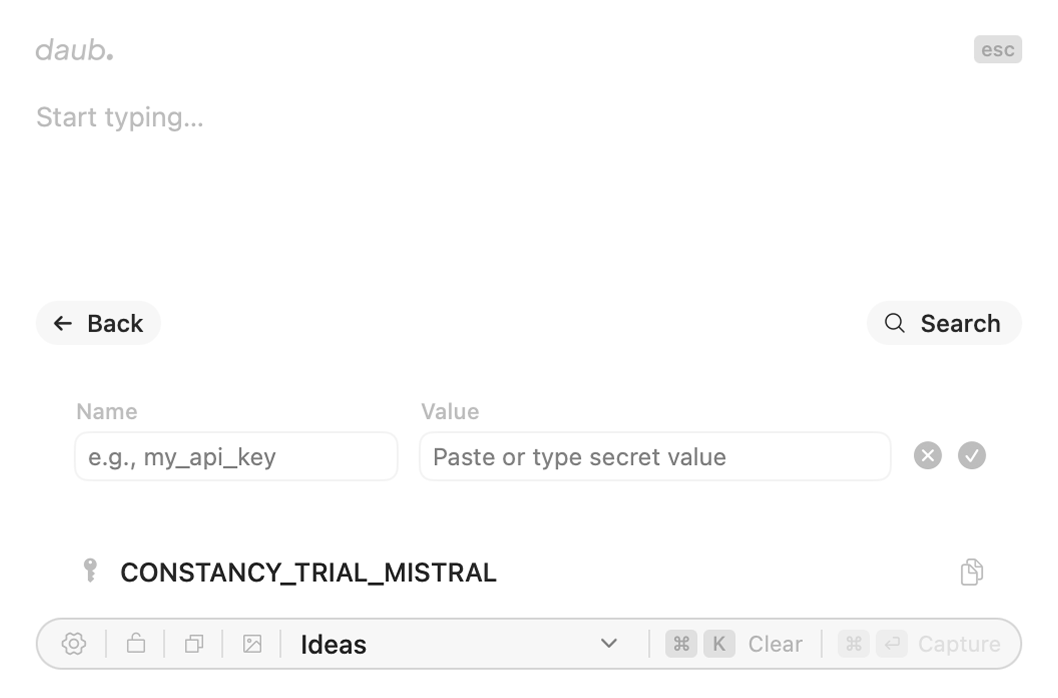
An encrypted vault for secrets
Stop pasting API keys into a notes app. daub keeps tokens, keys and passwords behind Touch ID — AES-256-GCM encryption with a key sealed in the Secure Enclave. It auto-locks the moment you click away.
AES-256-GCM · Secure Enclave · Touch ID
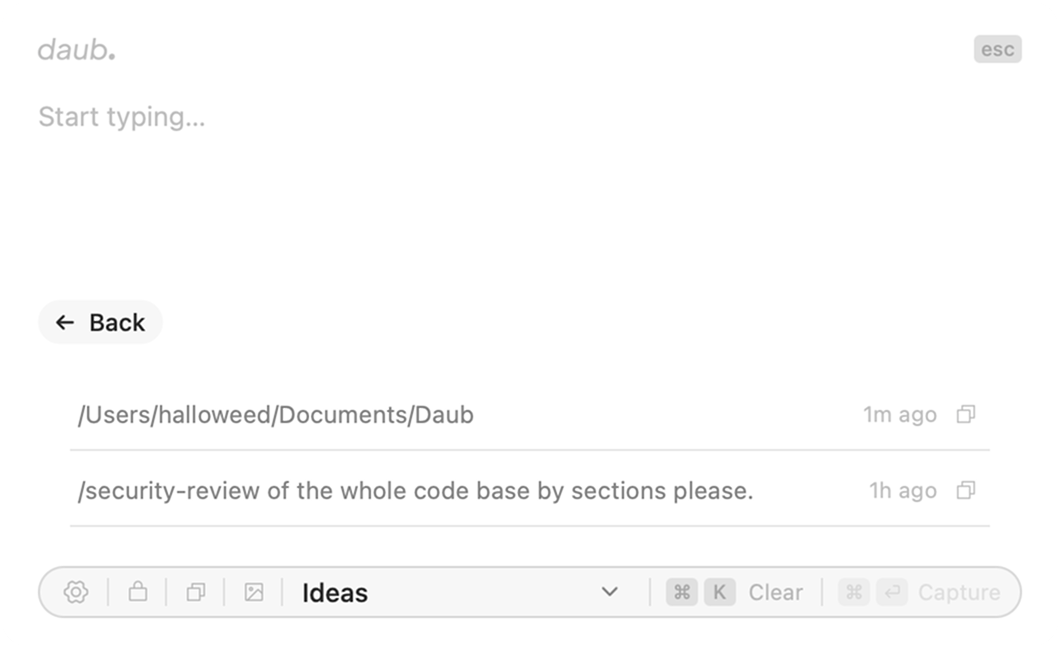
Clipboard history, kept private
Your recent copies — text and images alike — one click away to bring back. Capped to what you need and cleared on your terms. It never touches the cloud or another device.
Text + images · Local only
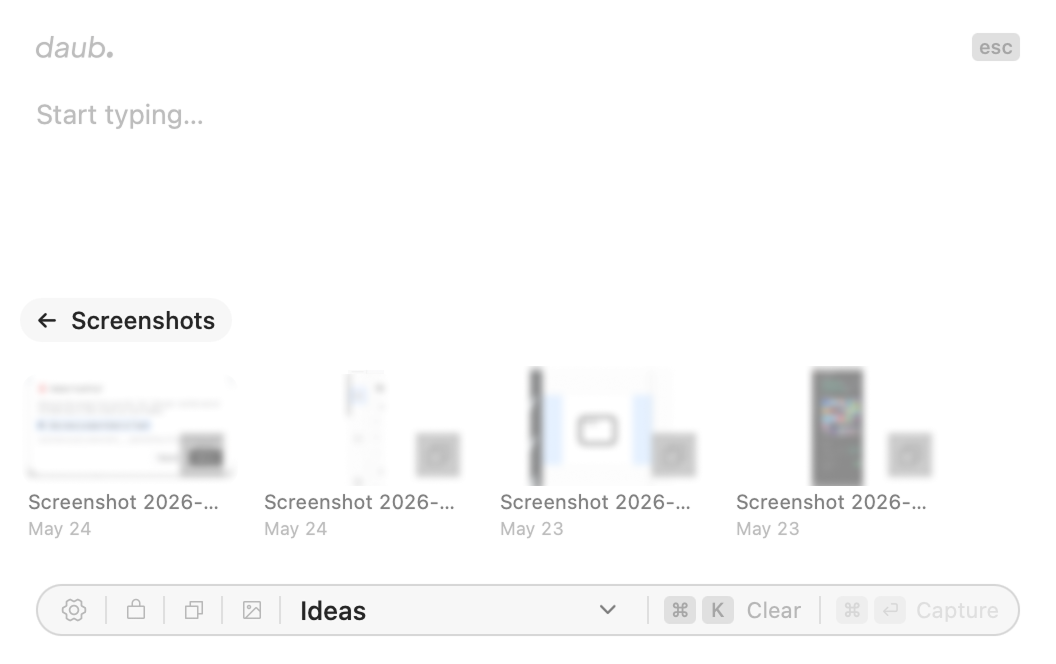
Every screenshot, in one grid
daub auto-collects screenshots into a searchable grid. Preview with QuickLook, pull text out of any image with built-in OCR, drag a file straight into a doc, or copy its path.
OCR · QuickLook · Drag out
Capture straight to your files
When a thought is worth keeping, capture it. daub appends to dated .txt files or drops a Markdown note straight into your Obsidian vault — pick a destination and it's one keystroke away. Your notes land as plain files on your disk, never in our database.
.txt · Obsidian .md · ⌘↵
Open, capture, get back.
- ⌥ Space
Summon
daub appears instantly, centered on screen, ready to type.
- Type
Capture
Notes, a secret, a clipboard pick — no formatting decisions, just the thing itself.
- esc
Dismiss
daub vanishes. You're back exactly where you left off.
Available on the App Store.
One download. No account, no sync, no cloud. Everything daub captures stays on your Mac.
Download for macOS